Yado宿

Plug in your iPhone and sort its photos, apps, files and backups on your Mac

No Apple ID sign-inPhotos and backups stay localmacOS 14+

Still in development

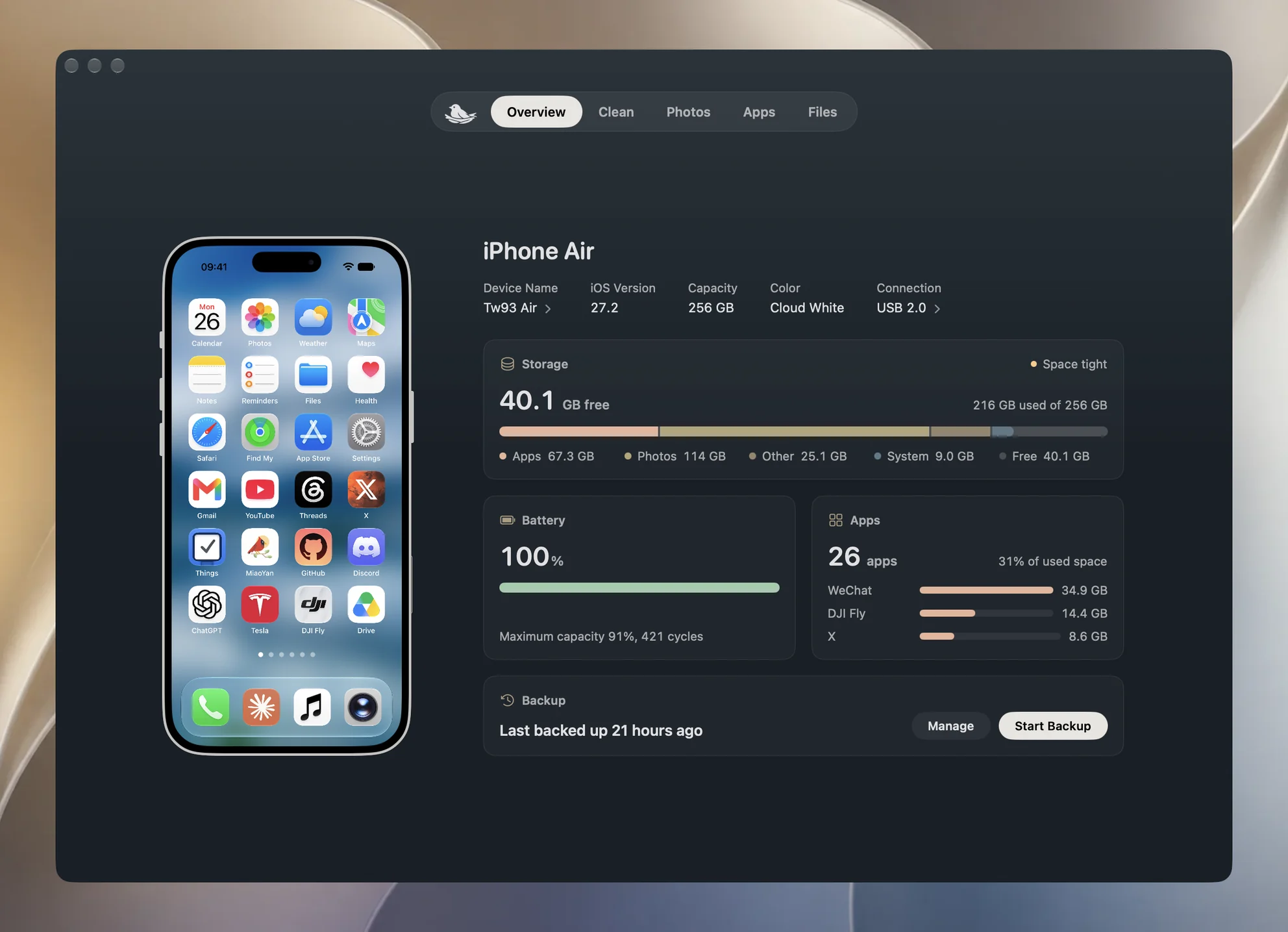
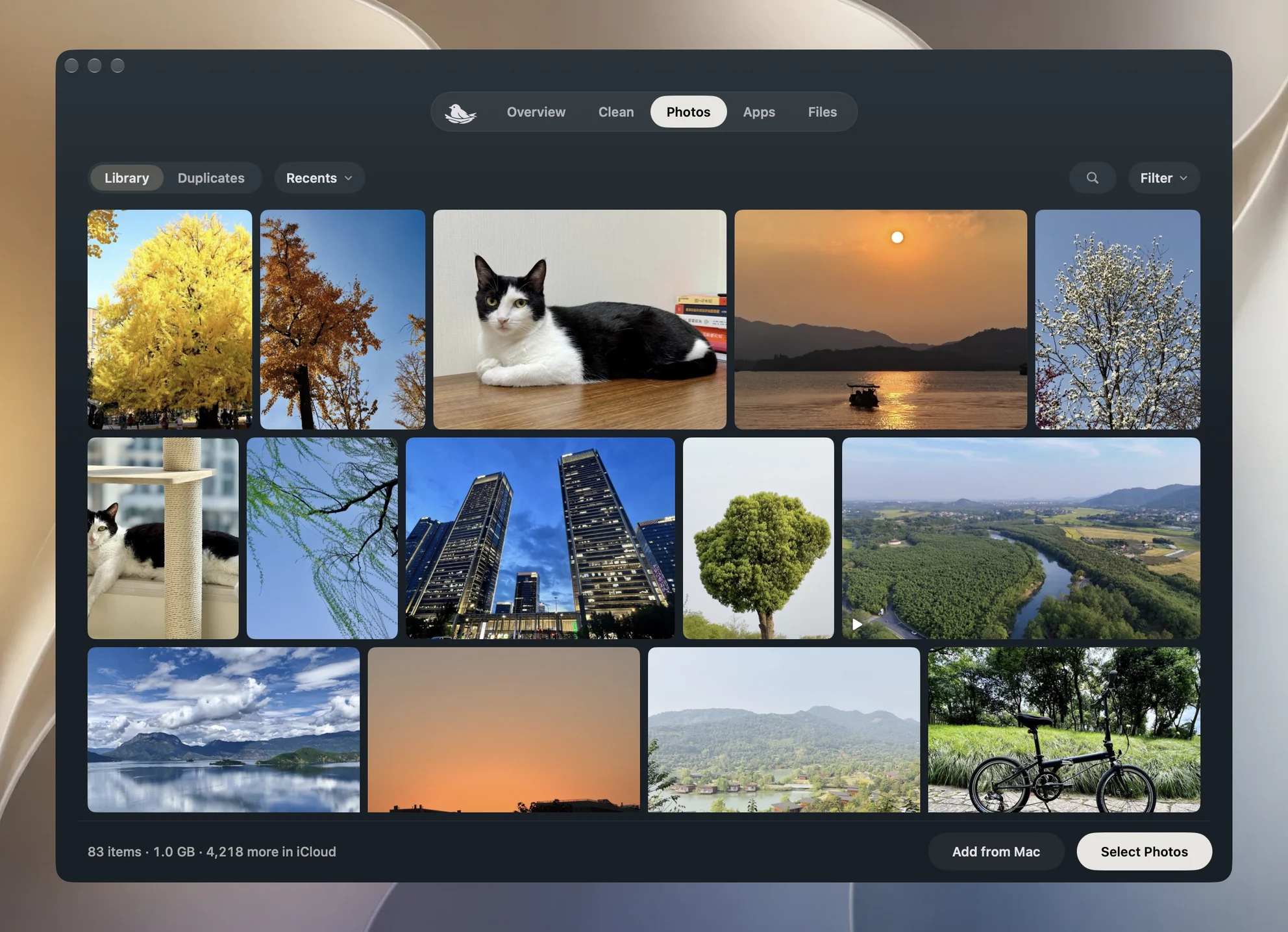
Plug it in and see the whole phone

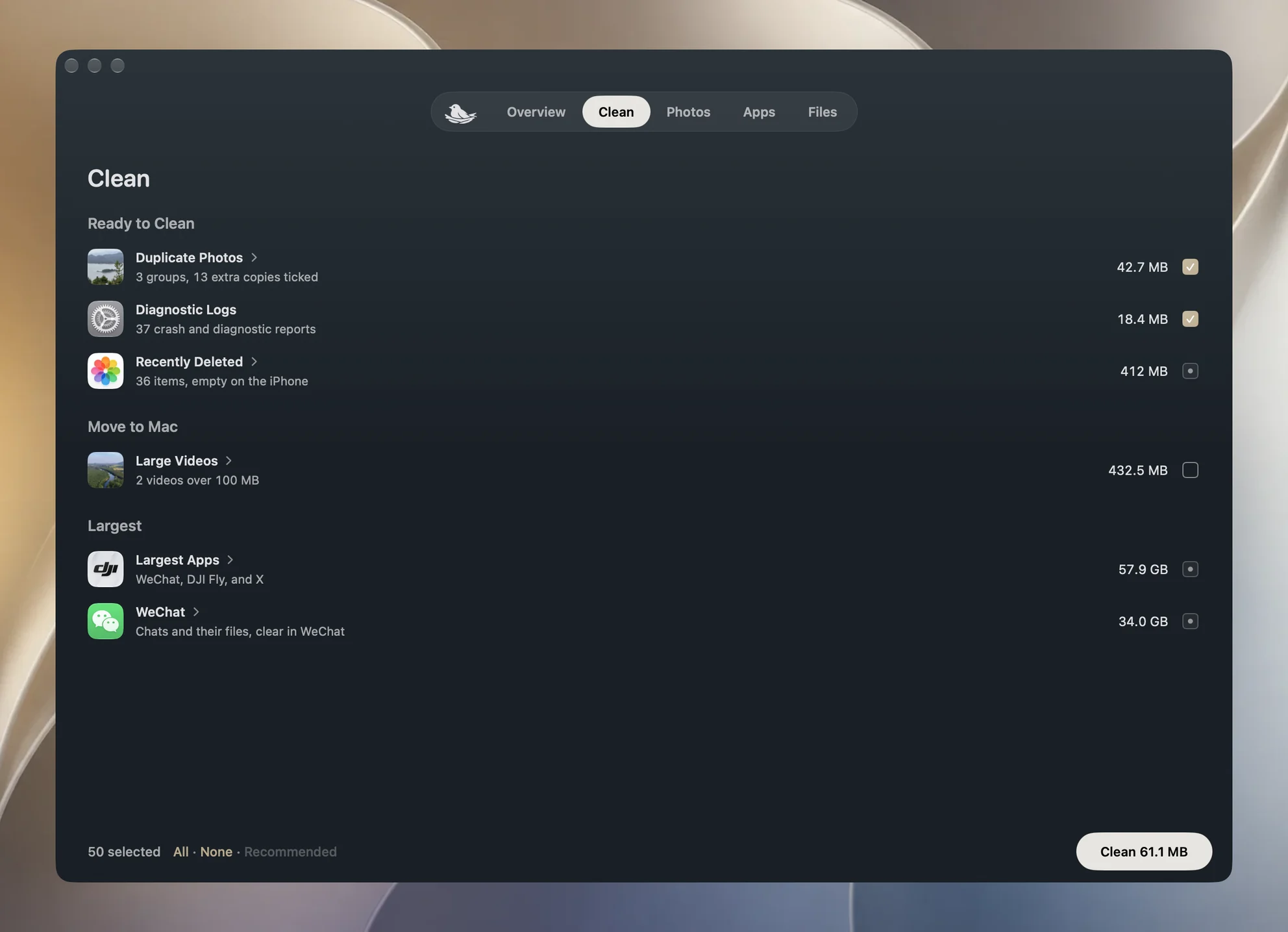
Checked before anything is deleted

Photos leave the phone only after their export checks out, every duplicate group keeps one, and backups stay on your Mac.

Deleted only after the export checks out

Each exported photo is checked on the Mac by size and content, and with iCloud Photos on, Yado also confirms it kept the original. Only then does it leave the phone; anything that does not match stays.


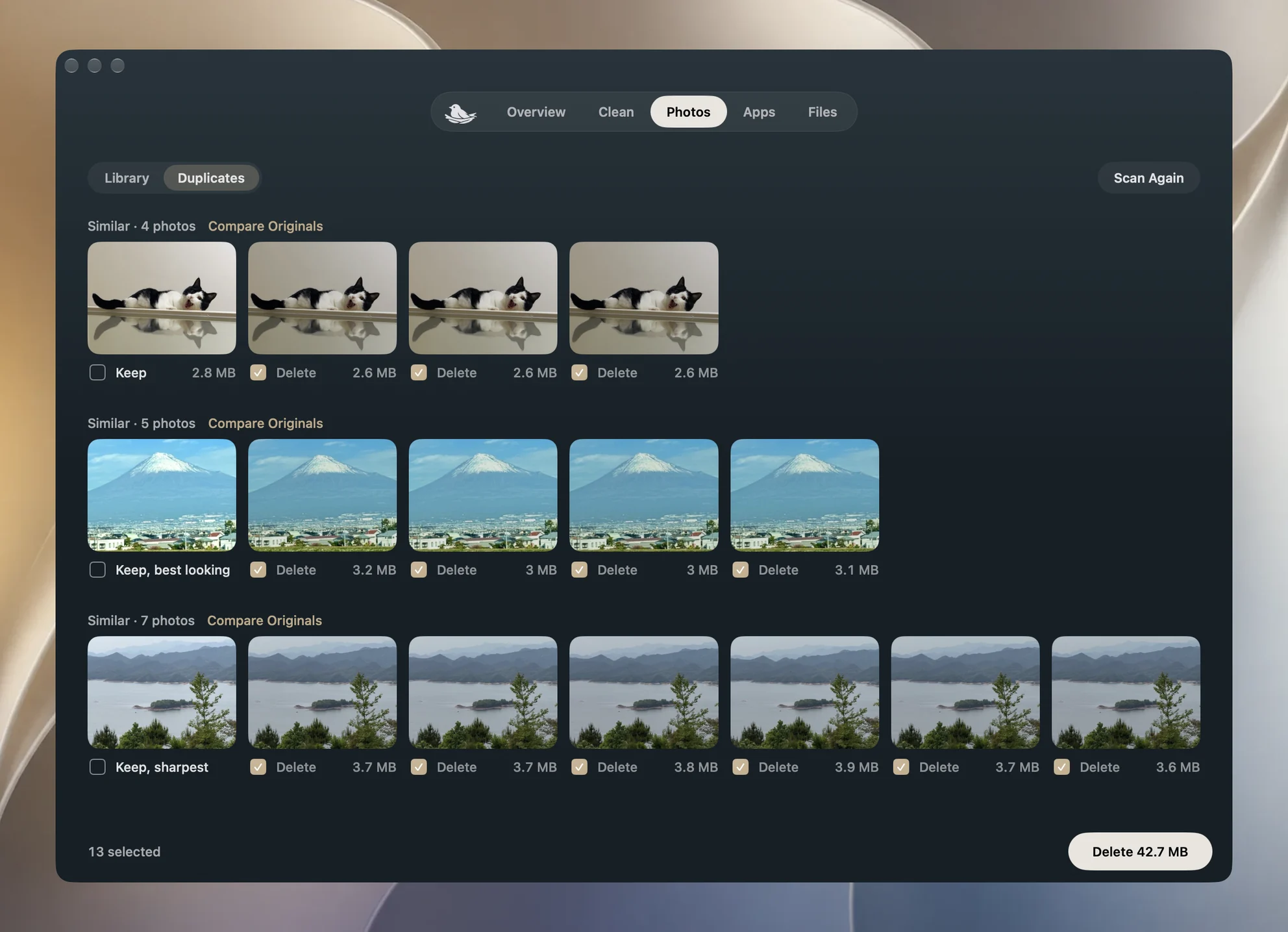
One photo kept from every duplicate group

Faces, sharpness and resolution pick the best of each group and the rest start ticked. When in doubt, compare the originals: both zoom in at the same spot, so you can see the difference before deleting.

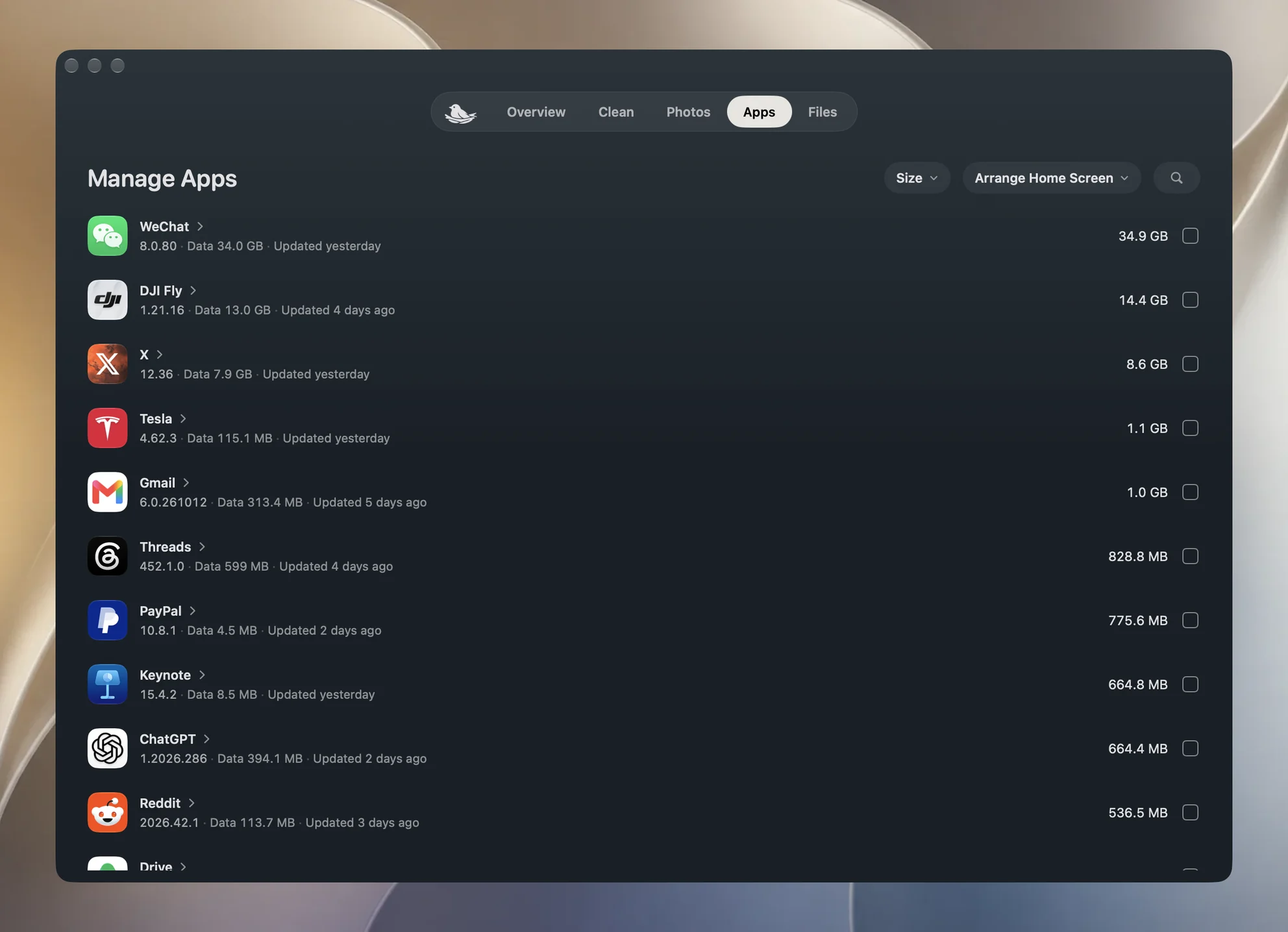
The apps you no longer use, listed first

Sort by size, or by what to remove: apps gone from the App Store, unopened for four weeks or not updated in a year come first, each with its reason, and a tick removes them.

A tidy Home Screen in one go

Group apps into folders by category, or bring the ones you open most to page one. The dock and widgets stay put, and a layout you like can be saved and brought back any time.

Backups that stay on your Mac

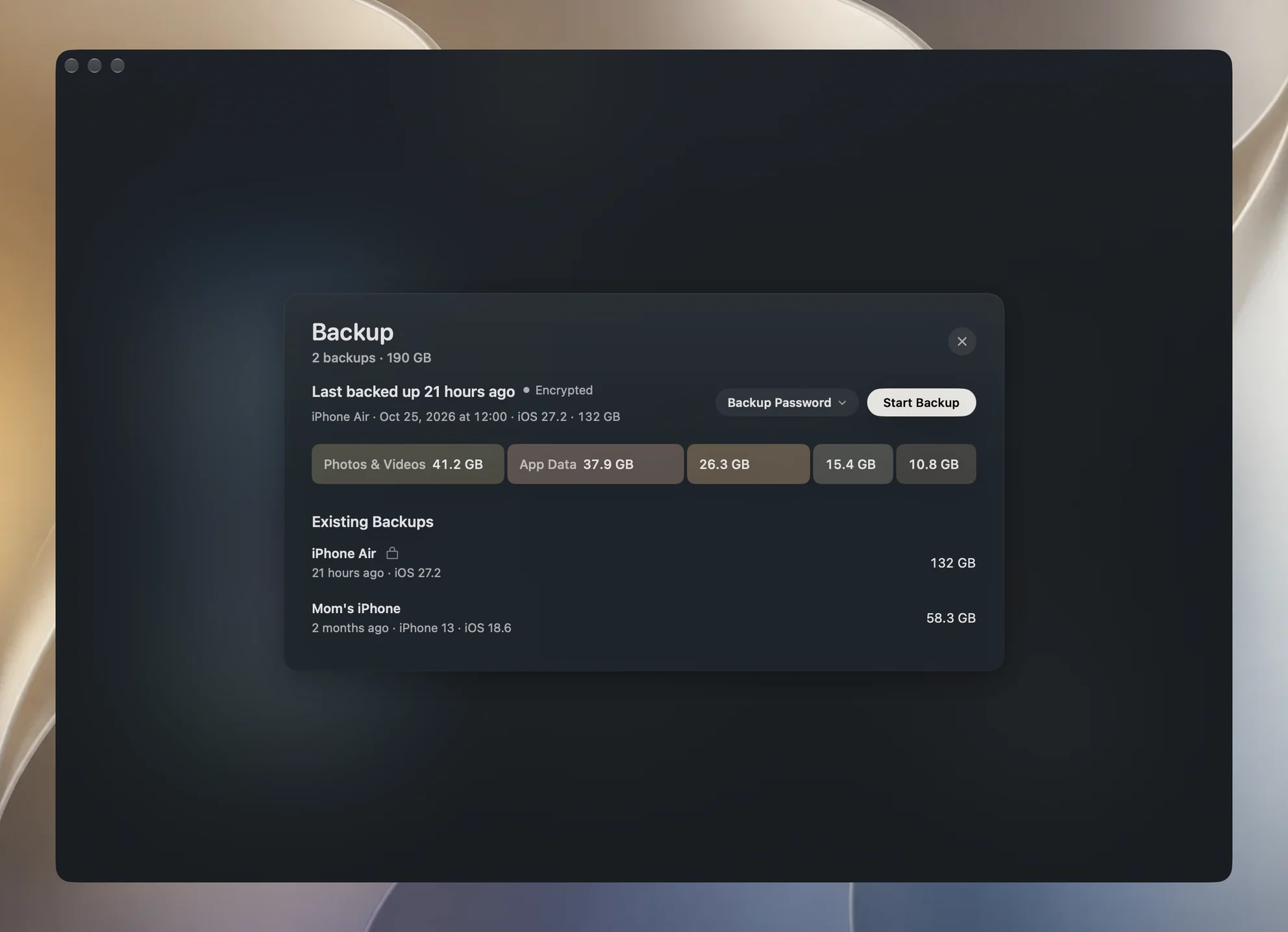
The first backup is complete and later ones copy only what changed, on a schedule if you like. Encrypted, they keep passwords and Health data too, and contacts, notes and messages can be read one by one on the Mac.

Battery, storage and cable at a glance

The watts the phone is taking in right now, how much space photos and apps use, and whether the cable runs at USB 2 or USB 3 are all on the first page, along with a screenshot framed in the phone itself.

Questions

How is this different from managing an iPhone in Finder?

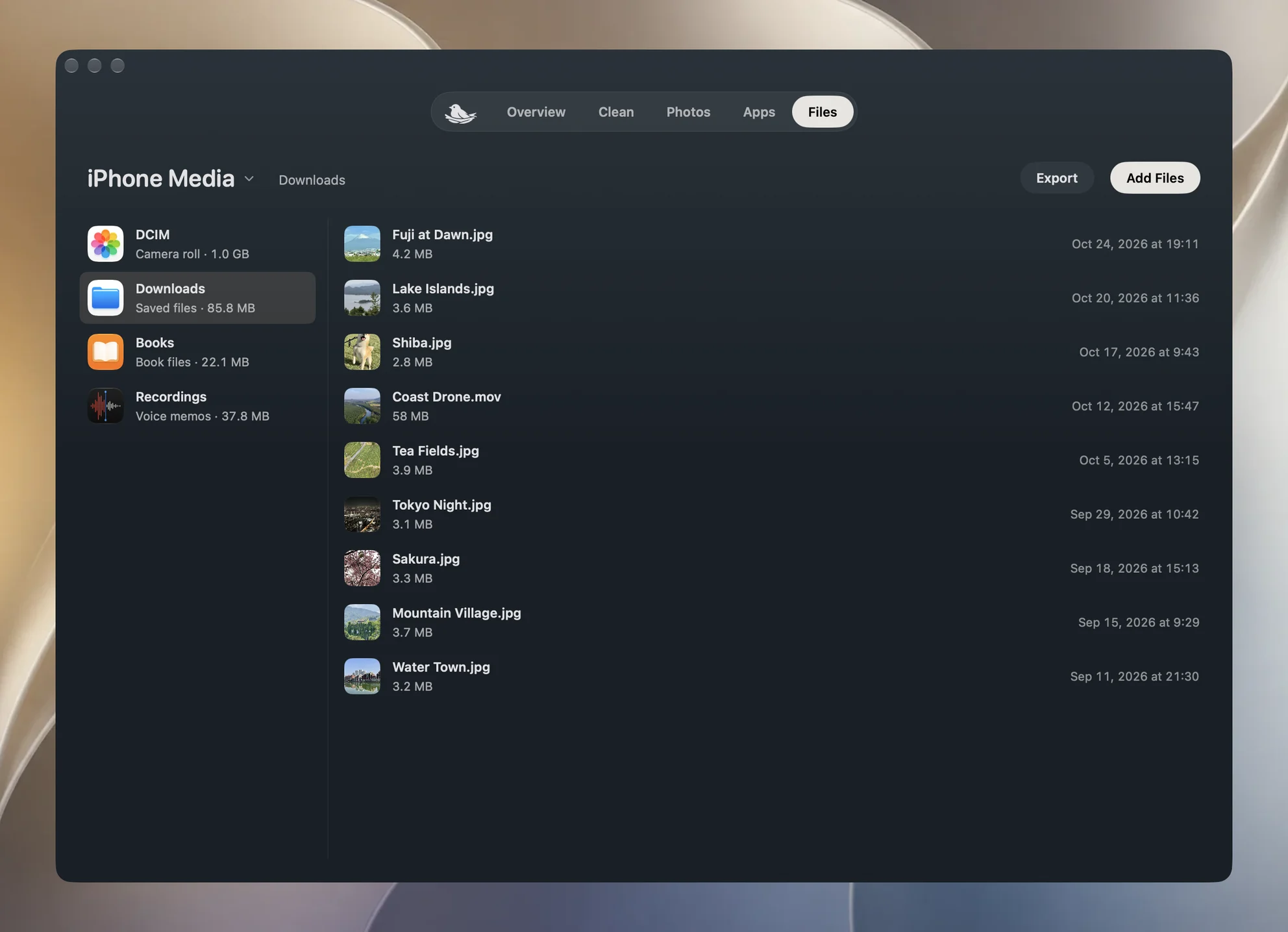
Finder backs up, restores and syncs. Yado also browses and exports photos, finds duplicates, removes apps, organizes the Home Screen and moves files between the phone and the Mac, and its backups can be read on the Mac contact by contact, note by note and message by message.

Do I need to jailbreak, sign in to an Apple ID or install an app on the phone?

None of those. Connect the phone to the Mac with a cable and tap Trust once. With wireless connections on, some features also work over Wi-Fi; browsing the photo library and restoring a backup need the cable.

Could Yado delete the wrong photos?

Only photos exported to the Mac and checked by size and content can be deleted, and with iCloud Photos on, Yado also needs proof the export is the original; otherwise the photo stays on the phone. Every duplicate group keeps at least one photo, photos in a Shared Library are called out on their own, and every deletion asks first.

Where do backups go, and can I restore one to another iPhone?

By default in Yado's own folder on the Mac, and you can move them to an external drive. A restore can use this phone's backup or another iPhone's, over the cable. Checking a backup verifies its index and every file's size, which is not the same as an actual restore.

Does Yado go online, and what does it send?

Photos, files and backups never leave your Mac. Yado goes online in two places: it downloads the whole app category list from data.yado.house and matches it on the Mac, so the apps on your phone are never sent anywhere, and it reads Apple's public list of iOS versions to tell you about updates. The details are in the privacy notes.

What does it run on, and when can I get it?

A Mac with macOS 14 or later, and an iPhone; other phones are not supported. Yado is still in development, and the download and price will appear here when it ships.