Clean up iPhone photos of receipts, parking spots, whiteboards and notes
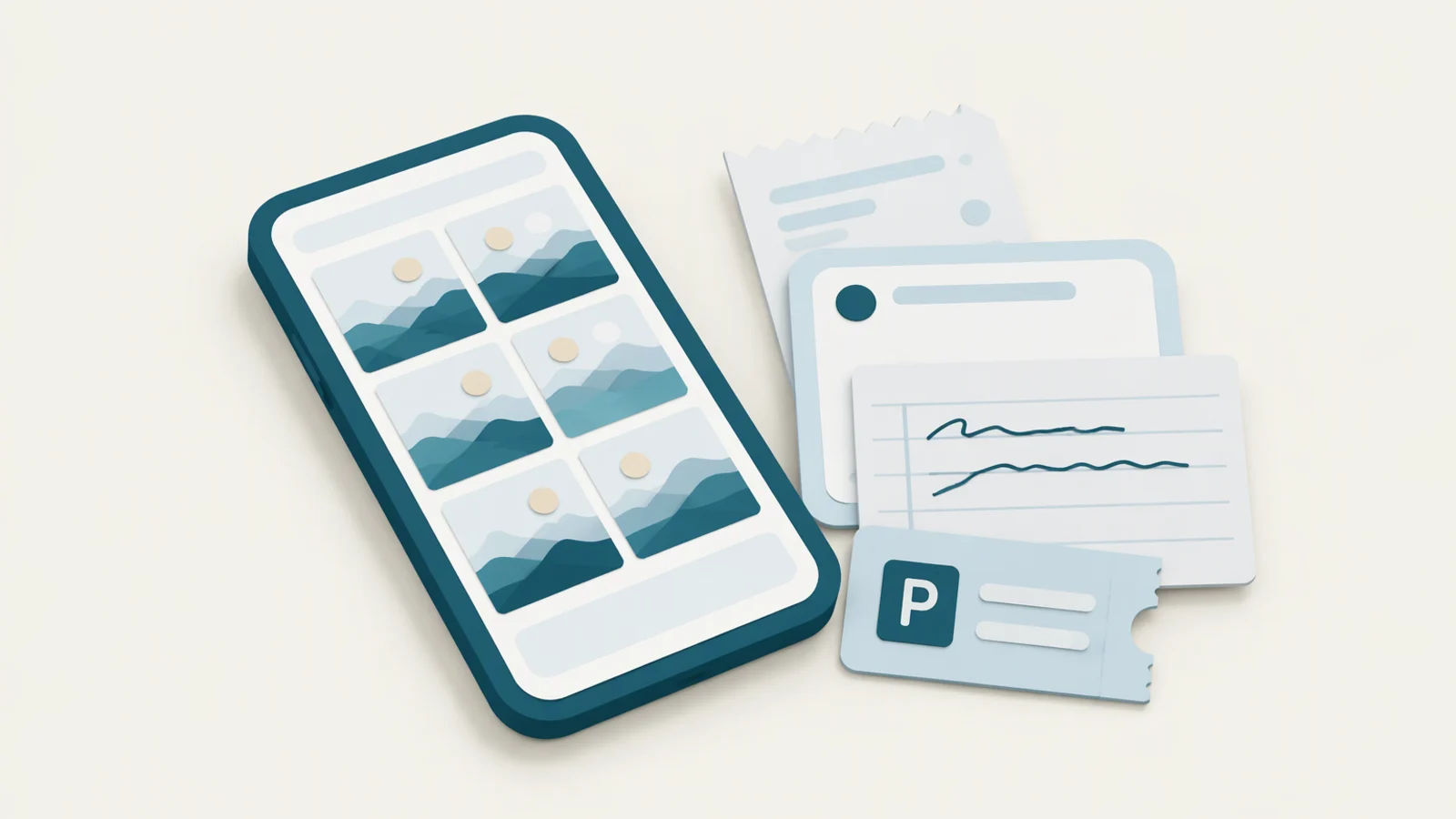
A lot of what fills an iPhone's camera roll was never meant to be kept: the photo of a parking spot, a receipt for an expense report, a whiteboard after a meeting, a page of handwritten notes. To clean these up on the iPhone, open Photos, scroll to Utilities and go through Receipts and Handwriting, and search for "parking" or "whiteboard" for the rest. On a Mac, Yado's Photos tab gathers all four kinds in one place under Clutter, with nothing ticked until you choose, so you can clear a few months of them in one pass.
Why these photos pile up
The camera is the quickest notebook on the phone. A photo of the level and bay number in a car park takes a second and saves a search later, and so does a photo of a receipt, a timetable or the board at the end of a meeting. Each is useful for a day or two. After that it sits among holiday photos, gets backed up, gets synced to iCloud, and is never opened again.
One by one they are small, but they add up in a different way from videos. They make the library harder to scroll and harder to search, they come back in Memories, and they take iCloud space you pay for.
Find them on the iPhone
Since iOS 18, Photos sorts some of these by itself. Open Photos (on iOS 26, tap Collections first), scroll down to Utilities, and tap it to see the full list, which includes Receipts, Handwriting, Documents, Illustrations and QR Codes. Apple describes these collections in its iPhone guide. Open Receipts, tap Select, pick the ones you no longer need, and delete them.
Parking photos and whiteboards have no collection of their own, but Photos search recognizes what is in a picture. Tap Search and type "parking", "car park" or "whiteboard", and the results include photos with those scenes in them. Search also reads text, so a word from a receipt or a note finds it too.
Two cautions on the phone. A collection can mix in photos you want, such as a document you still need or a handwritten card someone gave you, so look at each before you tick it. And deleted photos stay in Recently Deleted for 30 days, so the space comes back only after you empty that album, as covered in recovering or emptying Recently Deleted.
Before deleting, keep what matters
Some of these are records. A receipt can be proof of purchase for a warranty or a tax claim, and notes from a class may be the only copy. If you might need them later, export them to the Mac first, or move them to a folder or an album you made, before you clear the rest. Exporting photos to a Mac before deleting them explains how to check the copies first.
Clean them up with Yado
Beside Library and Places, Yado's Photos tab has three cleanup views, Duplicates, Blurry and Clutter. Clutter lists the photos the iPhone itself has recognized as Parking, Receipts, Whiteboards or Handwriting, grouped under those headings. Yado does not analyze the pictures on the Mac. It reads the labels the iPhone's Photos app has already given each photo, so what it lists matches what the phone recognized.
It lists a photo only when it is at least three days old, so a parking spot or receipt from this week, which you may still need, is left alone. It also leaves out favorites, photos in an album you made, screenshots, videos, bursts, blurry shots that the Blurry view already lists, and any photo with a face in it. A photo that also looks like a passport, a bank card or an ID card is never listed, and a "receipt" that also looks like food is left out, since those are more often a meal than a bill.
Nothing starts ticked. The circles show empty, and the button at the foot reads Delete until you pick photos, when it shows the size you would free. If a photo should not be in the list at all, right-click it and choose Don’t List Again.
When you delete, the photos go to Recently Deleted on the iPhone and stay there for 30 days, the same as deleting on the phone. With iCloud Photos on, a Mac cannot delete over the cable, so Yado deletes them through Photos on this Mac with macOS's own confirmation and iCloud carries the deletion to the phone, as explained in why a Mac can't delete iPhone photos with iCloud Photos on. In that case Clutter also covers photos kept only in iCloud, as long as this Mac's Photos library syncs the same Apple Account.
The Clean tab has a Clutter row too, under Move to Mac. It takes the other route: the ticked photos are first copied to a folder you choose on the Mac, each copy is checked, and only then are they removed from the iPhone. Use it when you want to keep the receipts and notes but not on the phone.
Clutter needs the cable, because Yado reads the photo library over USB.
FAQ
Why does a receipt I photographed today not appear?
Yado waits until a photo is three days old. The iPhone may also take a while to analyze new photos, especially after a large import, so a photo can appear later even past that point.
Why are some obvious receipts missing?
Yado lists what the iPhone's Photos app recognized with enough confidence, and it skips favorites, photos in your albums and photos with faces. A receipt on a restaurant table can also be left out because the photo reads as food.
Does anything leave my Mac?
No. The labels come from the iPhone and are read on the Mac. With iCloud Photos on, the deletion goes through Photos on this Mac and iCloud carries it to the phone.